 OfficeOnce
Arrange receipts on A4
Arrange receipt photos into one A4 PDF.
Input example
- Photo 1
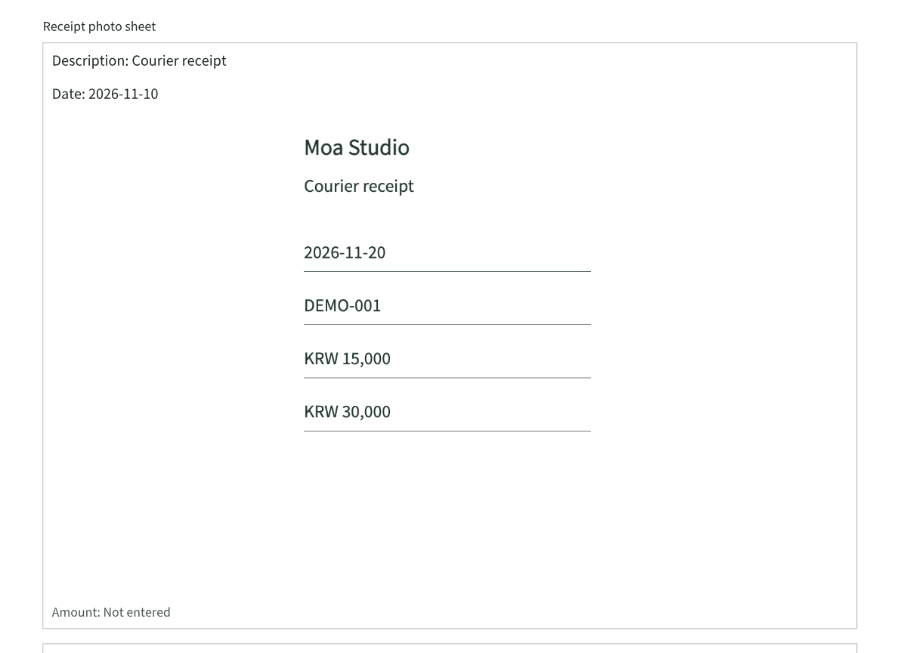
- Courier receipt 2026-11-10
- Photo 2
- Stationery receipt 2026-11-11
Result example
How to use
How it works
- Choose up to 30 receipt photos.
- Choose the number per page and check notes, dates, and order.
- Save an A4 PDF.
Supported formats
- JPEG
- PNG
- WebP
Good to know
- JPEG, PNG, or WebP up to 30 files; each file is up to 20MiB and 25 million pixels.
- A4 portrait, 10mm margins, up to 80 characters for notes and 40 for dates.
- No OCR or automatic amount extraction is provided.
Loading the tool. Turn on JavaScript to use the workspace.