 OfficeOnce
Extract PDF text
Extract editable text from a text-based PDF and save a TXT file.
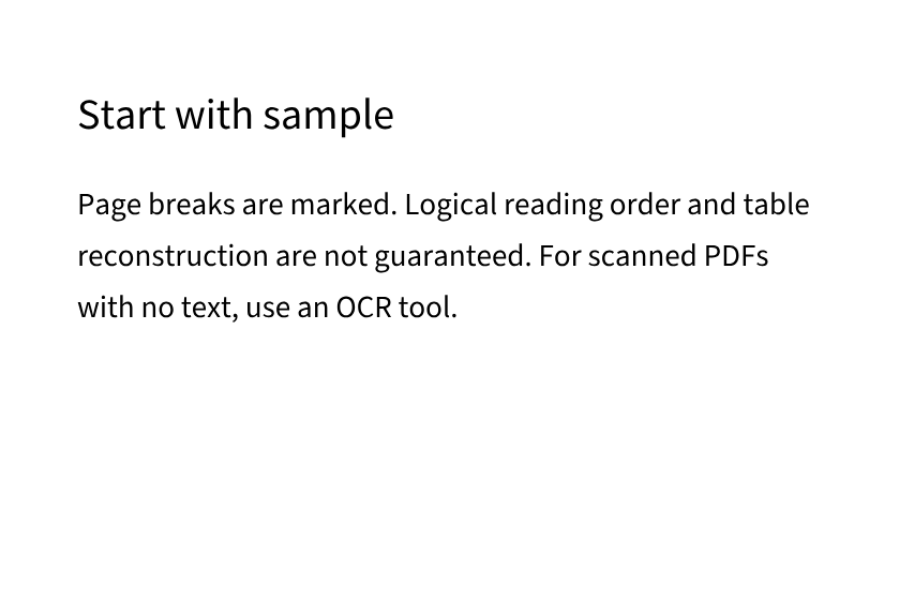
Input example
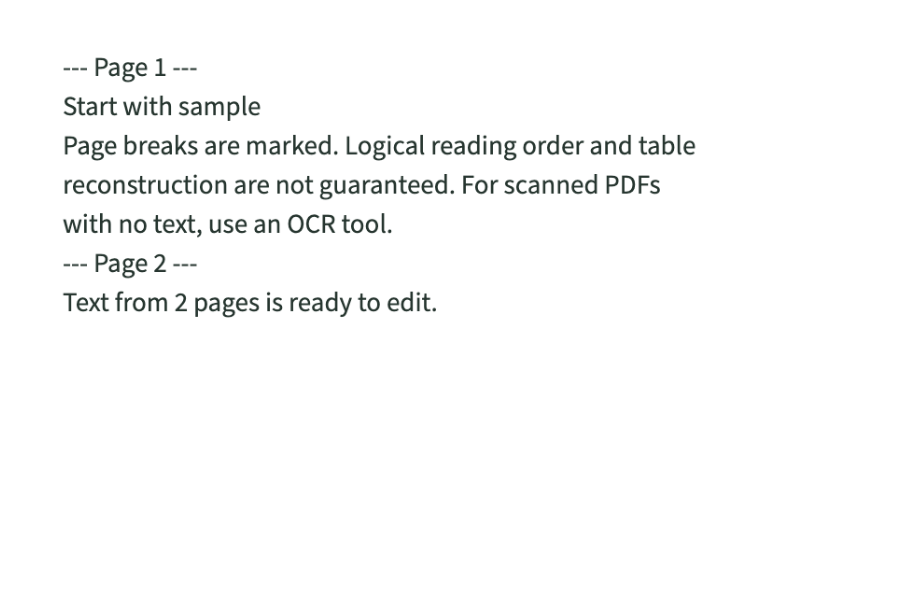
Result example
How to use
How it works
- Choose a file, sample or table input.
- Choose pages and review the extracted text.
- Review the result and save a new file.
Supported formats
- TXT
Good to know
- PDF25 MiB/200 pages; extracted text up to2 MiB.
- For image-only PDFs, export images first and use photo OCR.
- Names and files are not uploaded. Device storage can be disabled or cleared and expires after30 days.
Loading the tool. Turn on JavaScript to use the workspace.