 OfficeOnce
Barcode and price labels
Create Code128 or EAN13 barcodes and product labels as PNG, SVG or PDF.
Input example
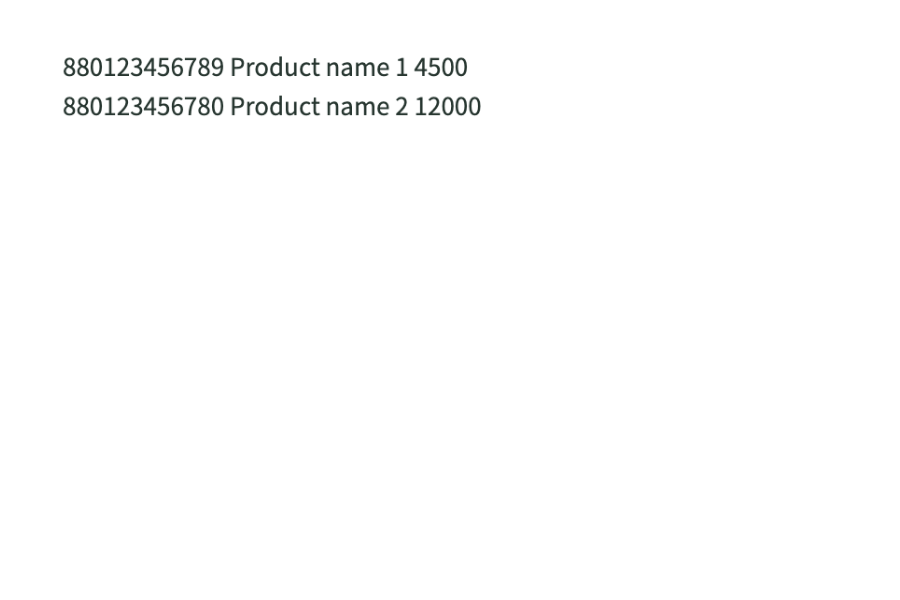
Result example
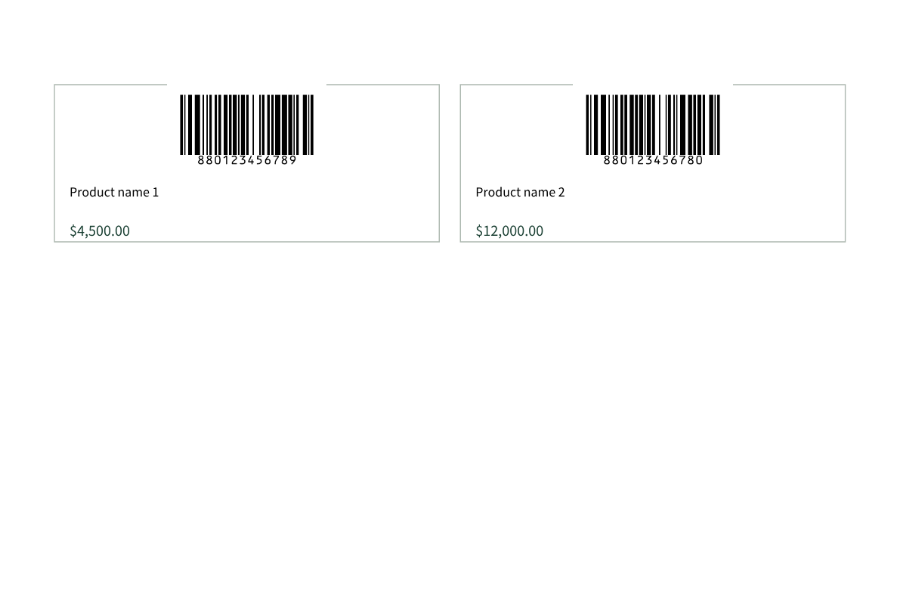
How to use
How it works
- Choose a file, sample or table input.
- Choose code type, product name, price and print layout.
- Review the result and save a new file.
Supported formats
- PNG
- SVG
- CSV
Good to know
- Code128:1–80 ASCII characters. EAN13:12–13 digits. Up to500 items.
- EAN13 check digits are validated. Official product codes are not issued.
- Names and files are not uploaded. Device storage can be disabled or cleared and expires after30 days.
Loading the tool. Turn on JavaScript to use the workspace.